

Workflow

SEC filings monitoring workflow

Track 8-K, 10-K, 10-Q, 13F, and S-1 filings across your coverage list — direct from EDGAR, sortable, filterable, and rendered in-product without the EDGAR website detour.

Try It Now Get a Demo
Who this is for

Teams that need filings, fast

Research and compliance teams that monitor primary documents to inform investment and disclosure decisions.

Equity research

Read 10-Ks and 10-Qs as they hit, tie them straight to standardized financials.

Activist & event-driven funds

Track 8-K material events and Form 4 insider trades on the coverage list.

Hedge fund analysts

Watch 13D / 13G stake changes and 13F quarterly ownership across positions.

Compliance teams

Audit-ready record of which filings the desk has seen, when, and where.

The workflow

From EDGAR drop to desk in five steps

Every filing pivots straight to the underlying financials, ownership history, and news.

1

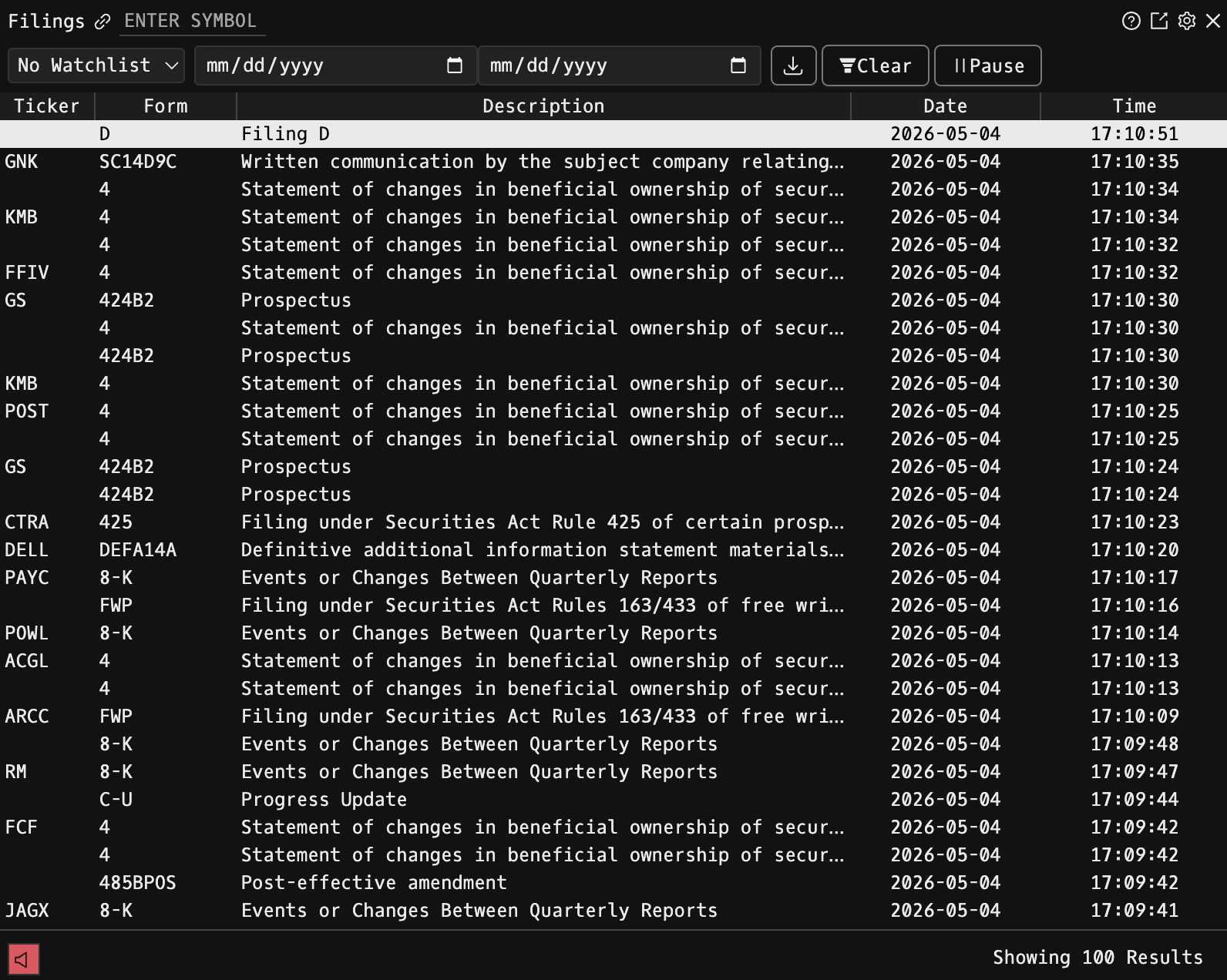
Open the filings screen — CF

Type CF to open the company filings screen. Sortable by form type, date, and ticker.

CF: company filings screen with form type, date, and description columns
2

Filter by form type

Narrow to 8-K material events, quarterly 10-Qs, annual 10-Ks, proxy 13Fs, or insider Form 4s. Date-range filter for the last 30 days or any custom window.

CF: filings filtered by form type with 8-K, 10-Q, 10-K options
3

Pin a watchlist

Save a ticker watchlist so new filings on your coverage list surface as they hit EDGAR — timestamped to the second.

CF: watchlist of tickers with new filings surfacing on the coverage list
4

Read inline

Filings render in-product with form-type tagging. No EDGAR website detour, no PDF download — just the document beside your other workspace panes.

5

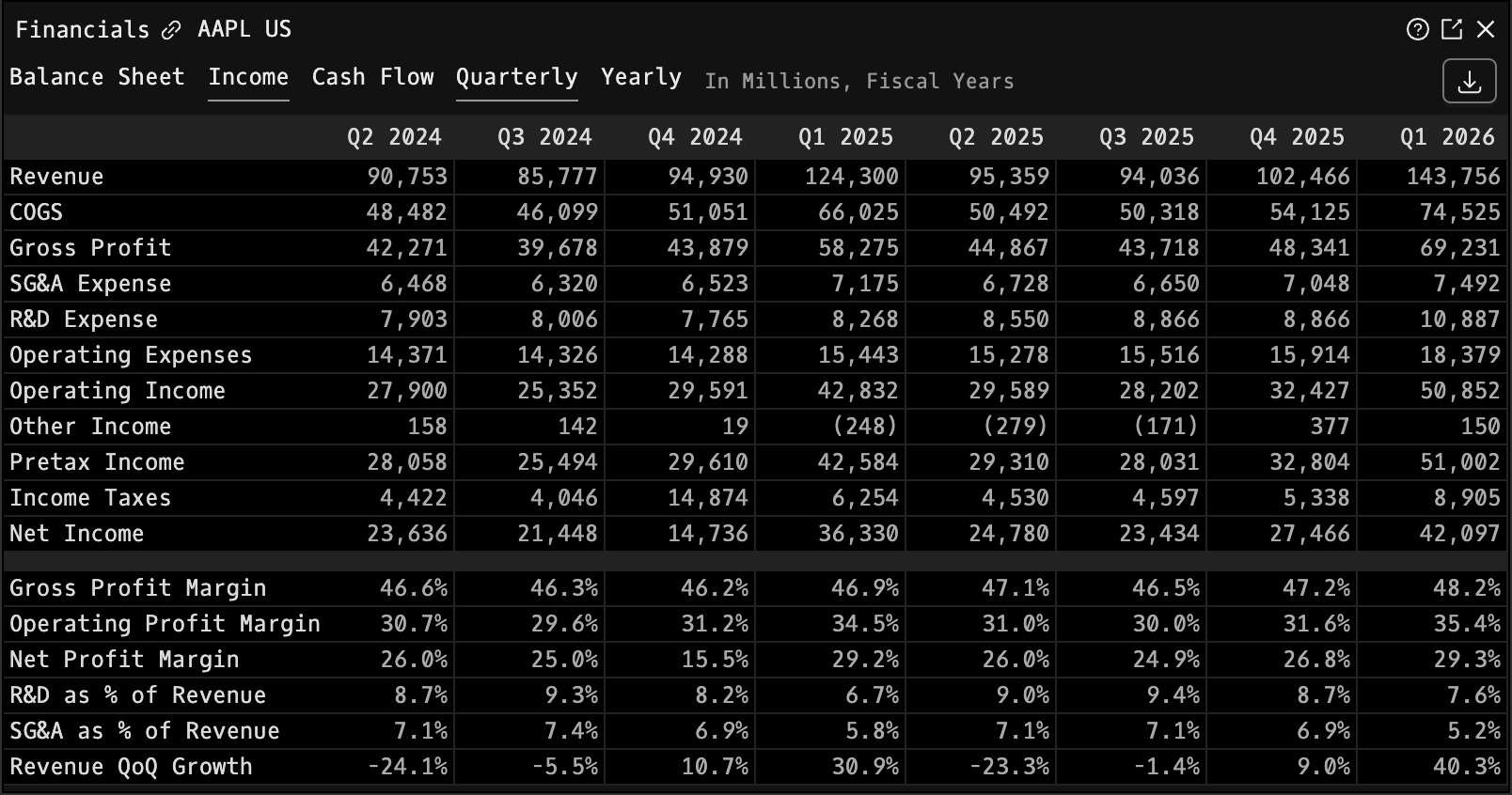
Pivot to financials — FA

Hit FA from any 10-K or 10-Q to jump to standardized income, balance sheet, and cash flow statements with multi-year history.

FA: standardized financial statements across 12 fiscal years
See It In Action

See the filings workflow live

~10 minutes. We'll walk through CF with your coverage list pinned and a 10-K opened side-by-side with the financials.

Try it Now Get a Demo