CF: Filings Command
CF is the Godel Terminal command for viewing SEC EDGAR filings from a company's inception through today: 10-Ks, 10-Qs, 8-Ks, proxies, and more.
How to use CF
Basic Commands:
CF

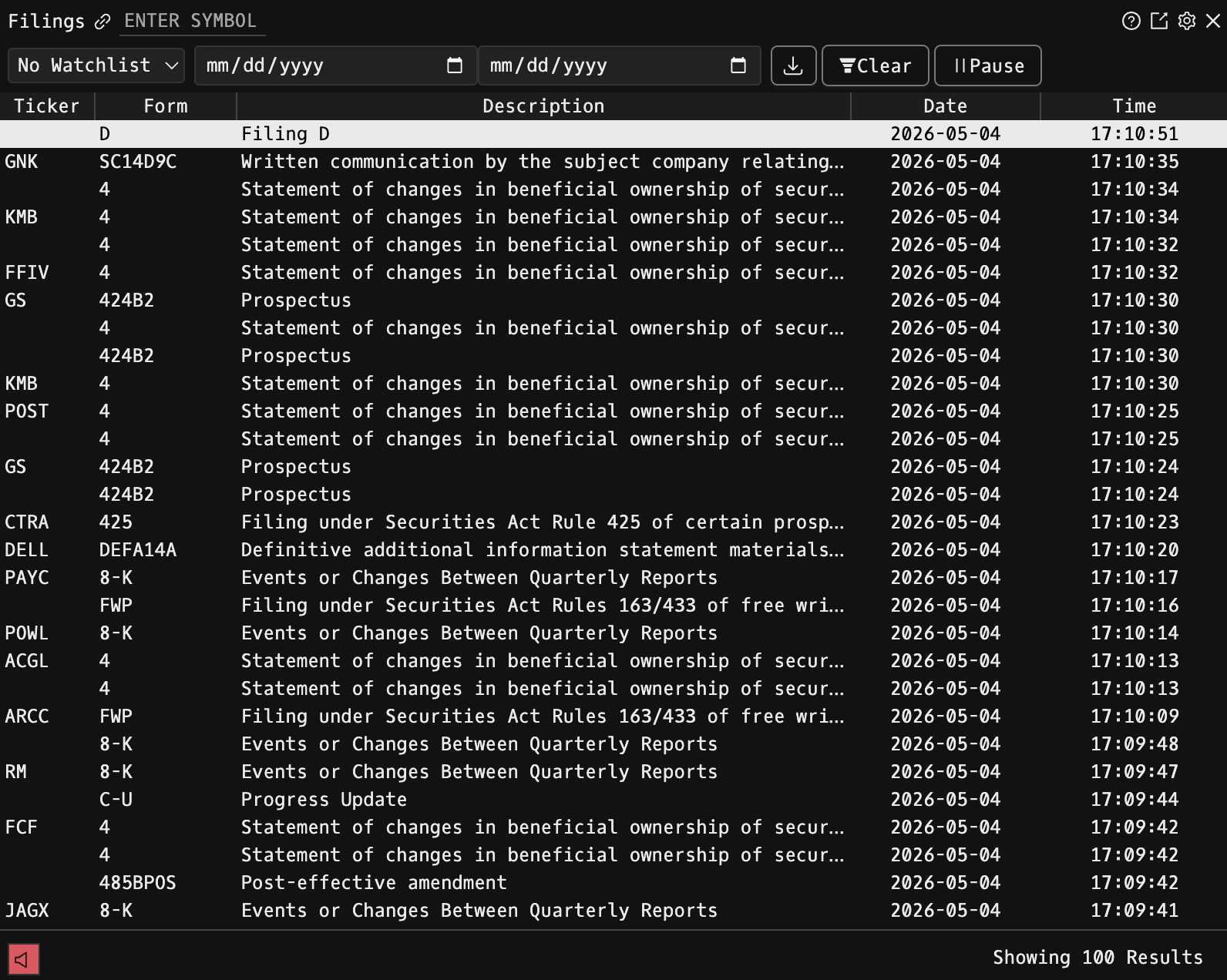
Opens the component with an unfiltered feed of all recent SEC filings across all companies.
Company-Specific Filings:

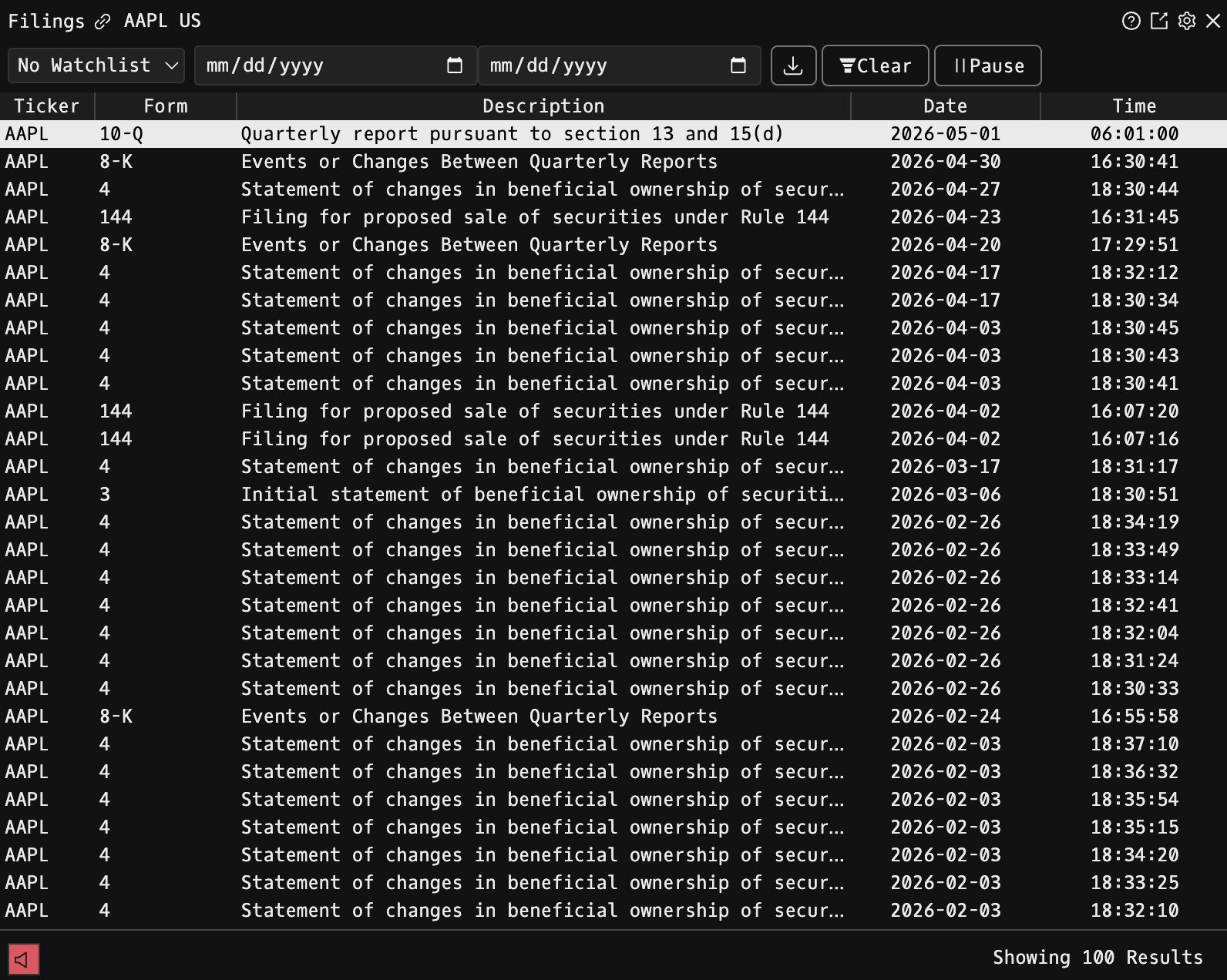
<TICKER> US EQ CF
Example: AAPL US EQ CF - Shows only Apple Inc.'s filings
Watchlist Filtering
- The CF component automatically filters by your active watchlist
- Shows only filings from companies in your selected watchlist
- You can change from your active watchlist to any of your other watchlists
Filtering by Filing Type
Click the gear icon (⚙️) in the top-right corner to access filing type filters.
Filing Settings
In the settings panel, you can:
1. Check "Render Filings in Godel" for integrated viewing (global setting) 2. Uncheck "Render Filings in Godel" to open the EDGAR link 3. Use the filter search box to find specific filing types 4. Click "Select All" to include all filing types 5. Apply filters using the "Apply" button
Common Use Cases
1. Earnings Monitoring: Filter by 10-Q and 10-K to track quarterly and annual results 2. Event Tracking: Monitor 8-K filings for breaking company news 3. Institutional Holdings: Track 13F filings to see what major funds are buying/selling 4. Watchlist Surveillance: Monitor all filings across your portfolio companies 5. Compliance Monitoring: Watch for NT (non-timely) filings that indicate potential issues
Tips
- Start with popular filing types (10-K, 10-Q, 8-K) for essential information
- Use watchlist filtering to efficiently monitor your portfolio
- Check 13F filings quarterly to track institutional investor movements
- Monitor 8-K filings for real-time material events