TOP: Top News Command
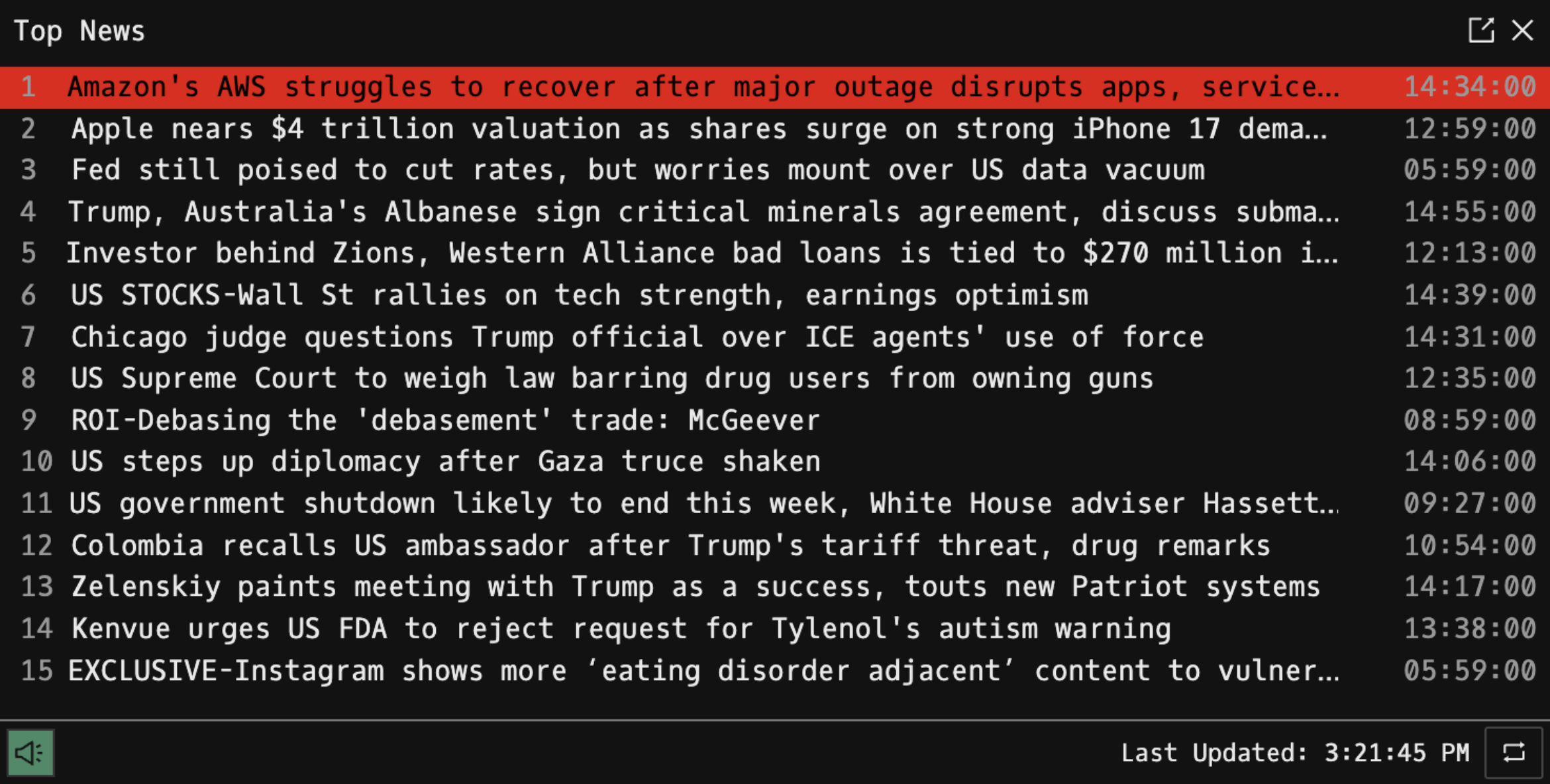
TOP is the Godel Terminal command for viewing a live feed of the top Reuters news headlines, ranked directly by Reuters.
How to use TOP
Command:
TOP

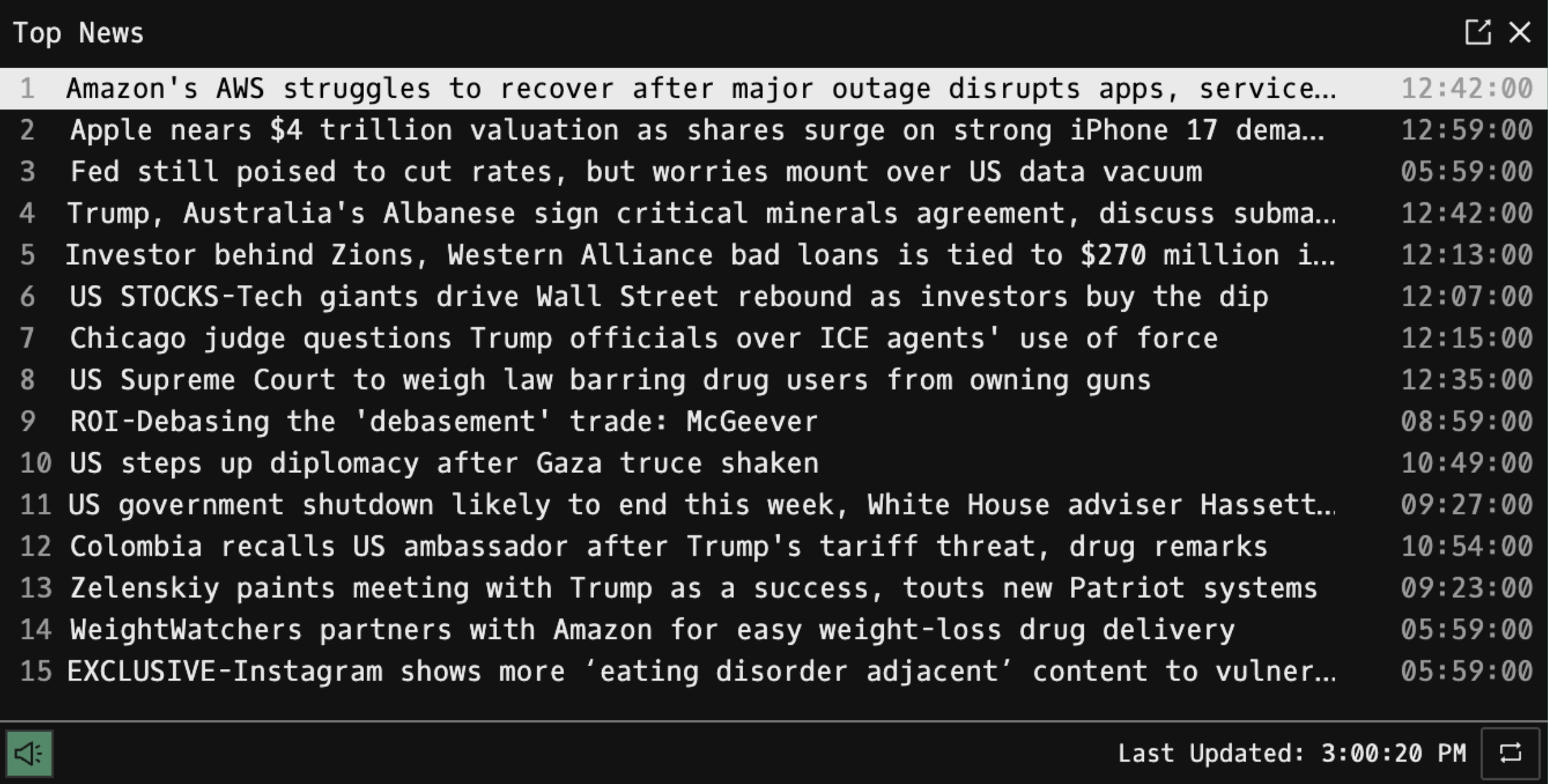
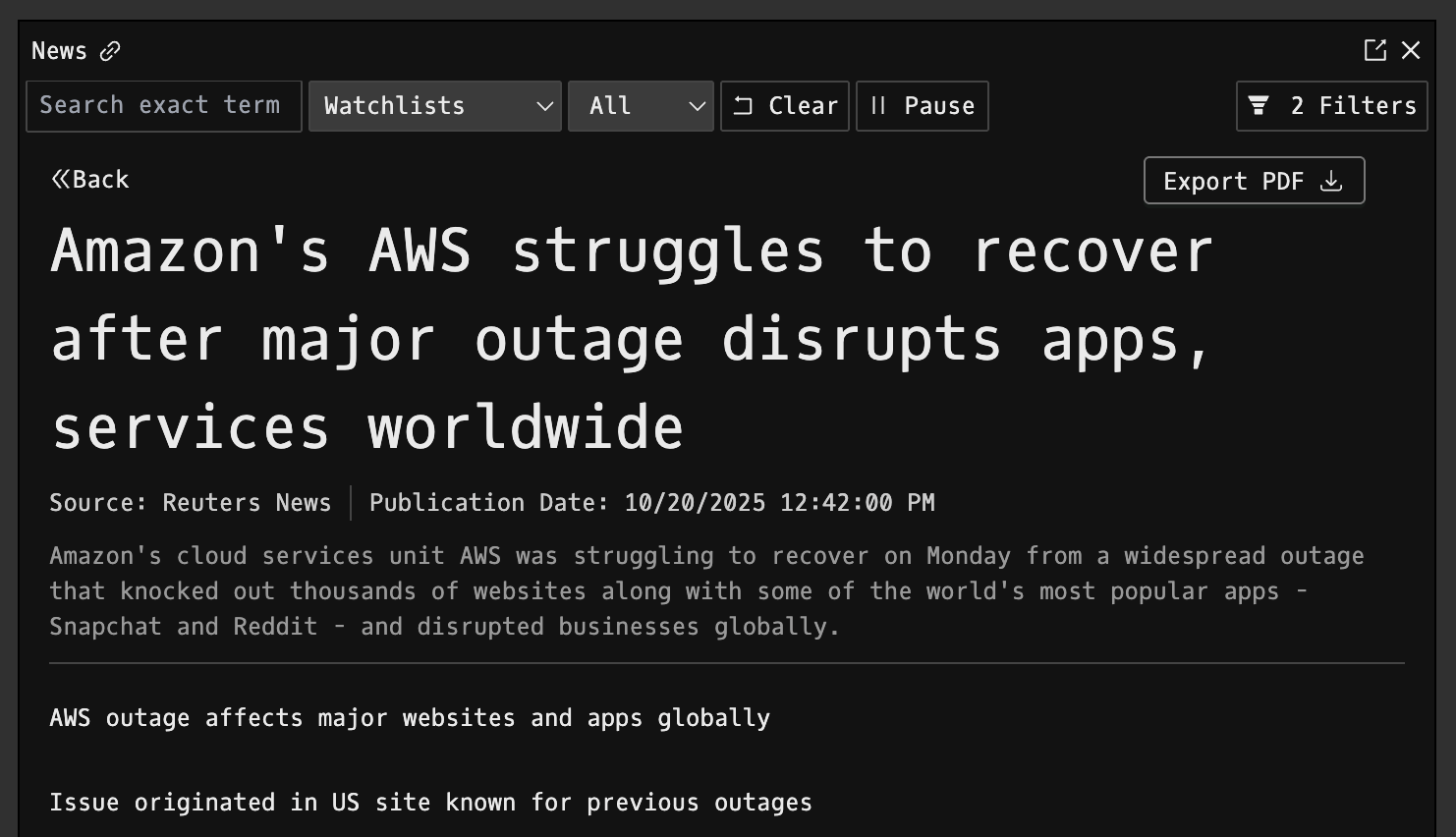
Use the ↑ / ↓ arrow keys to navigate headlines and press Enter to open the full article for the selected story. You can also click a headline directly.
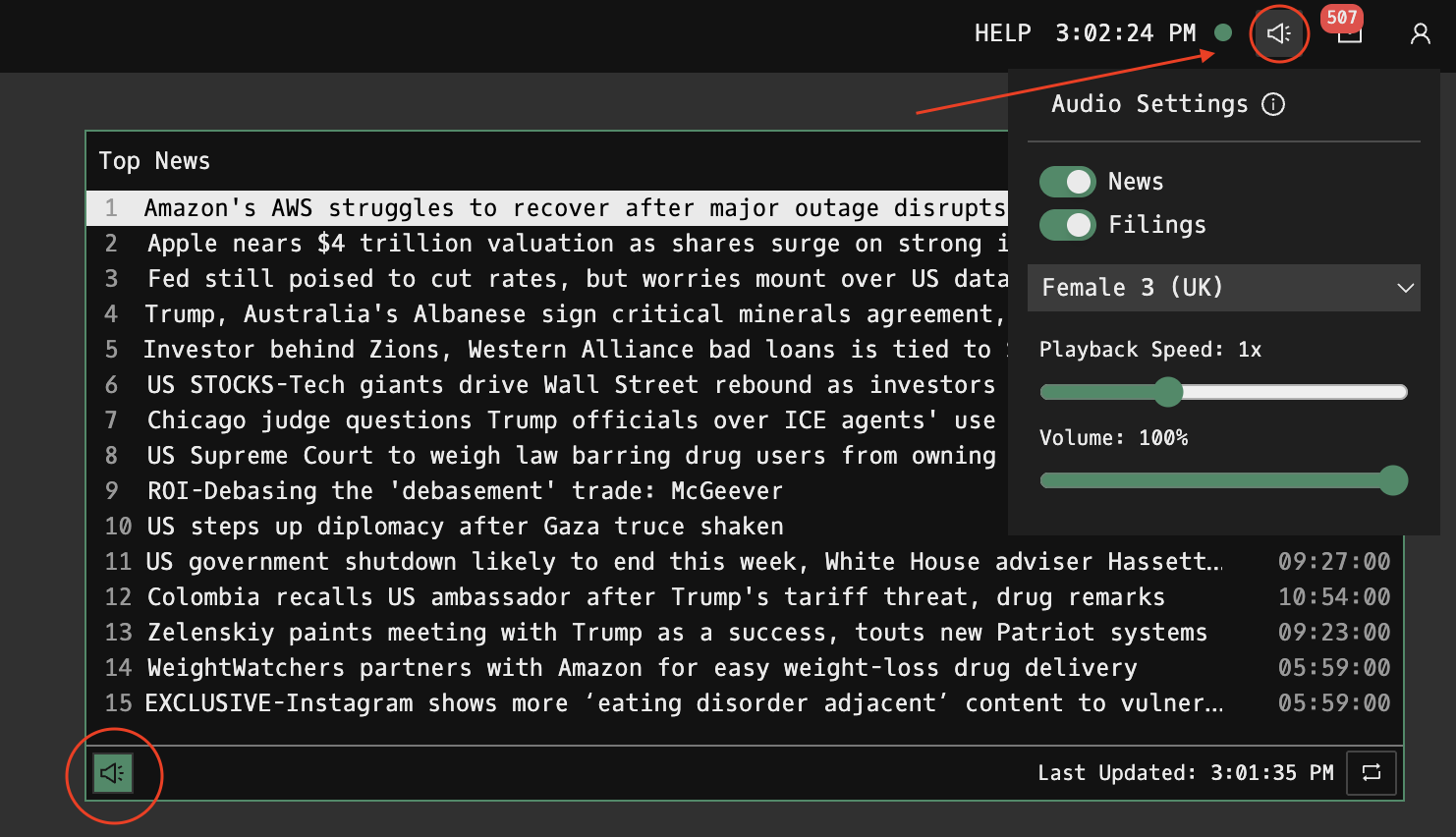
Text-to-Speech (TTS): Click the speaker icon to have a top news headline read aloud. Your local TTS settings: including voice, speed, and for the top headlines: can be managed from the audio icon on the top-right of the terminal.
Ranking Logic
The list is a Reuters-ranked Top 15. It’s not sorted by time: the order comes from Reuters’ curated Top News feed and updates live as priorities change.
Display Columns
| Column | Description |
|---|---|
| Rank | Reuters-assigned priority (1 = highest importance) |
| Headline | Reuters story title (scrolls if too long) |
| Time | Local publication timestamp |
FAQ
What does TOP do?
TOP is the Godel Terminal top news command.
How do I open TOP in Godel Terminal?
Type TOP in the terminal.
Is TOP available on all plans?
Yes, TOP is available on every Godel plan.