MOST: Most Active Command
MOST is the Godel Terminal command for viewing the most active securities of the current session: ranked by volume, change, or gainers/losers.
How to use MOST
Command:
MOST

What MOST shows
| Item | Description |
|---|---|
| Active | Securities with the highest trading volume |
| Gainers | Top percentage gainers |
| Losers | Top percentage decliners |
| Value | Securities with the highest dollar volume traded |
| Ticker | Security symbol |
| Name | Company name |
| Last | Current price |
| Chg % | Percentage change from previous close |
| Chg | Absolute price change |
| Vol | Share volume traded |
| Vol $ | Dollar volume, calculated as price times shares traded |
| M Cap | Market capitalization |
| Time | Last trade timestamp |

Filter Controls
| Filter | Description |
|---|---|
| Results Count | Dropdown to select 10, 25, 50, or 100 results. The default is 25. |
| Min Cap | Minimum market cap filter. The default is 500m. |
| Max Cap | Maximum market cap filter. The default is no upper limit. |
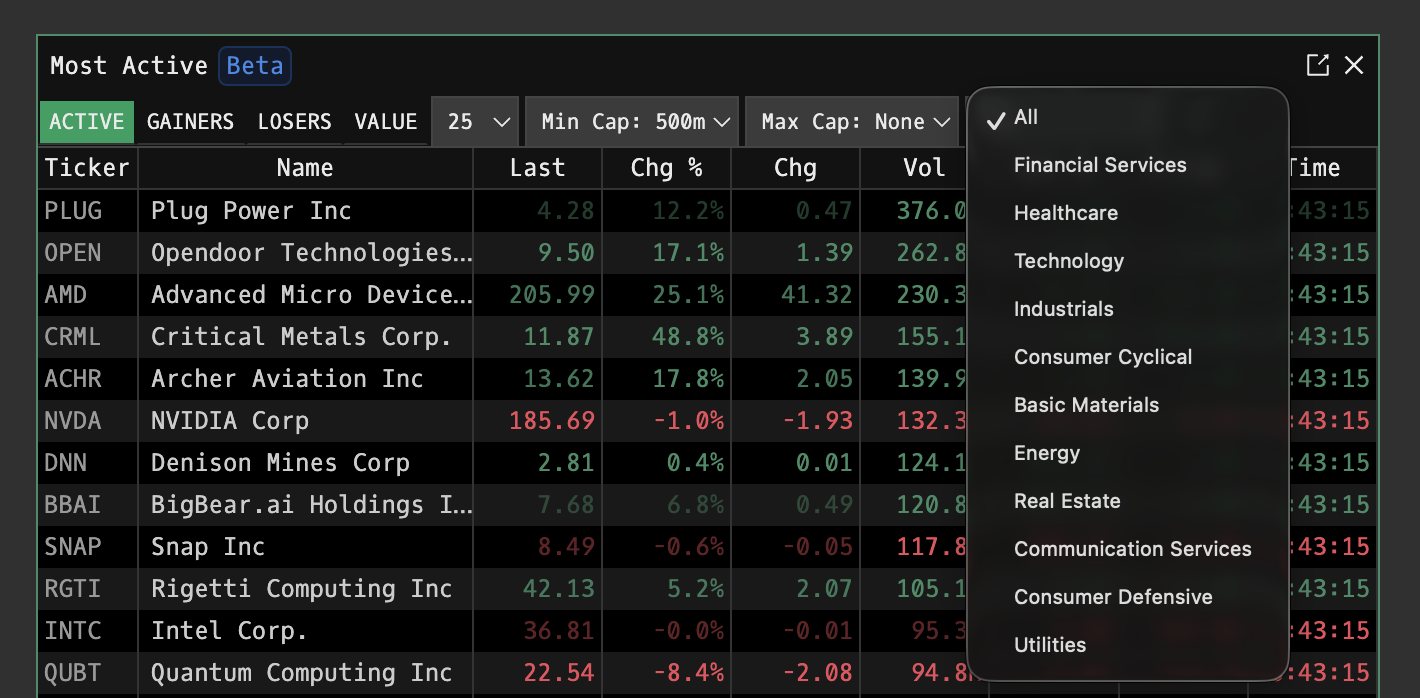
| Sector Filter | All-sector dropdown covering Financial Services, Healthcare, Technology, Industrials, Consumer Cyclical, Basic Materials, Energy, Real Estate, Communication Services, Consumer Defensive, and Utilities. |
Ticker Click Behavior
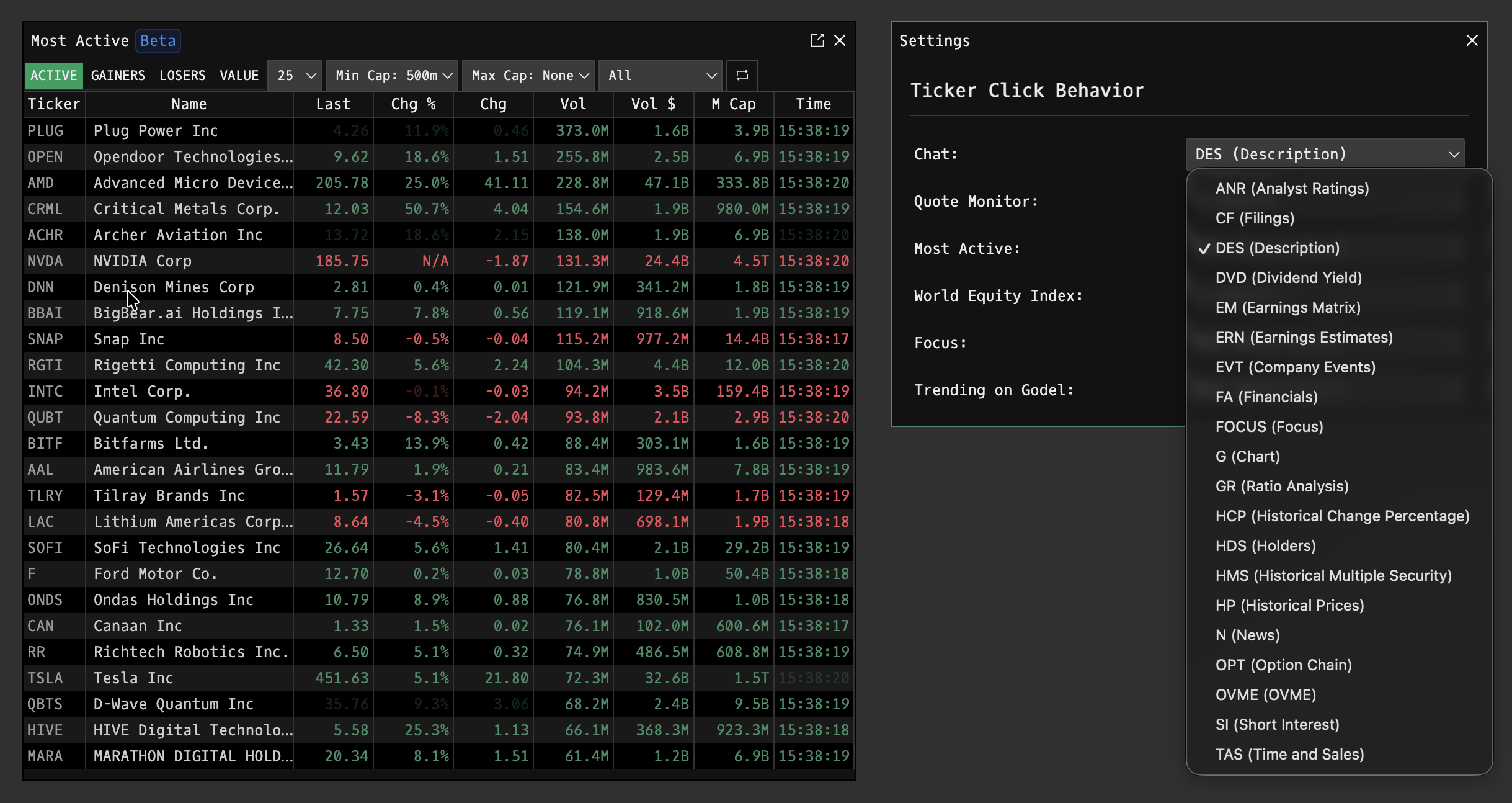
Click any ticker to open its default view. This behavior can be customized in settings PDF.
FAQ
What does MOST do?
MOST is the Godel Terminal most active command.
How do I open MOST in Godel Terminal?
Type MOST in the terminal.
Is MOST available on all plans?
Yes, MOST is available on every Godel plan.