HDS: Holders Command
HDS is the Godel Terminal command for viewing institutional ownership for any company: owner name, market value, share amount, change, and change percentage.
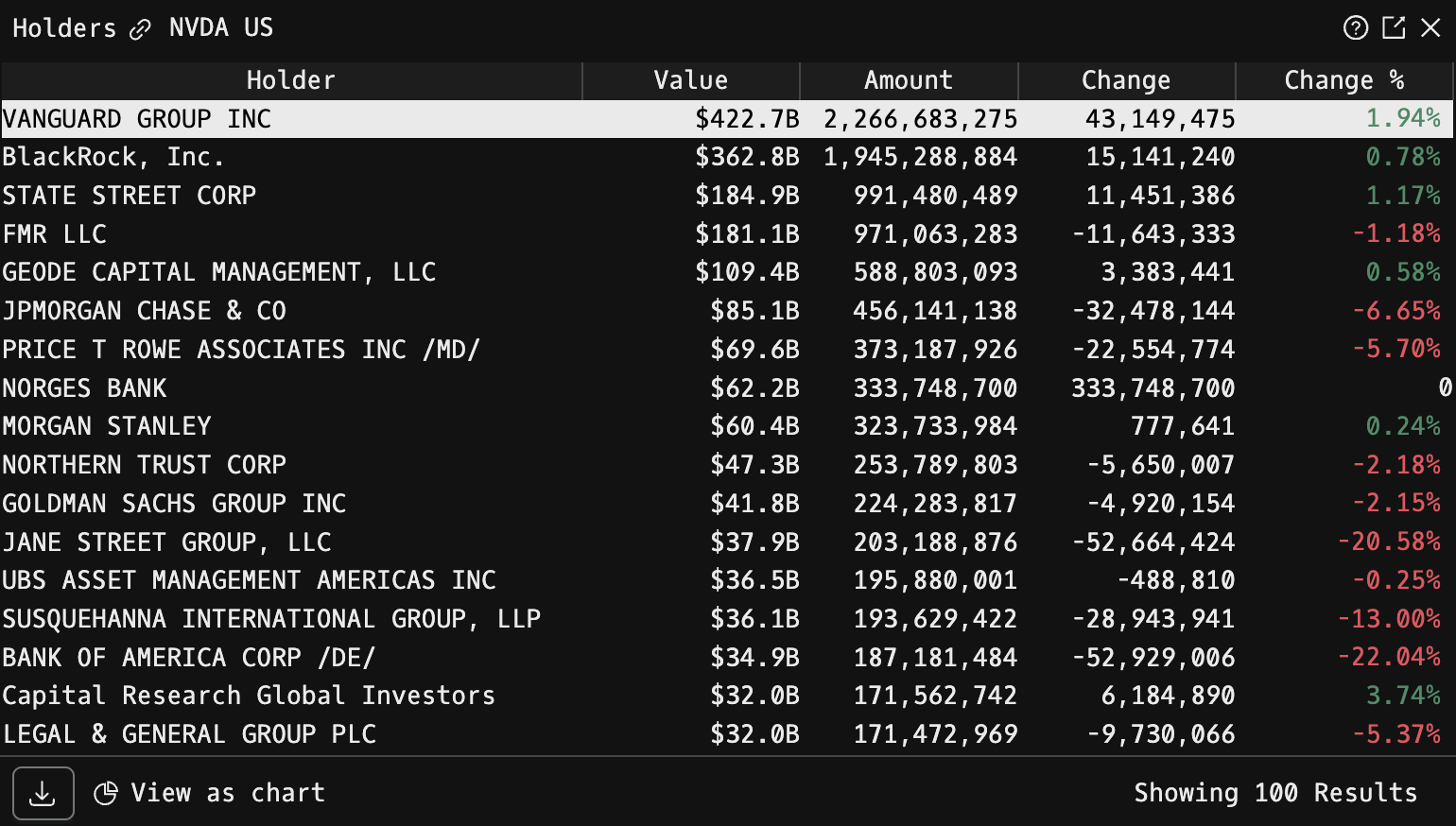
How to use HDS
Security Identifier/Ticker Country/Instrument Asset Class HDS
Example: NVDA US EQ HDS

You can use up or down arrow keys to go through the list. If you click “Enter,” it will take you to the original form 13F filing.
Treemap
To view a treemap visualization of HDS , click "View as Chart."
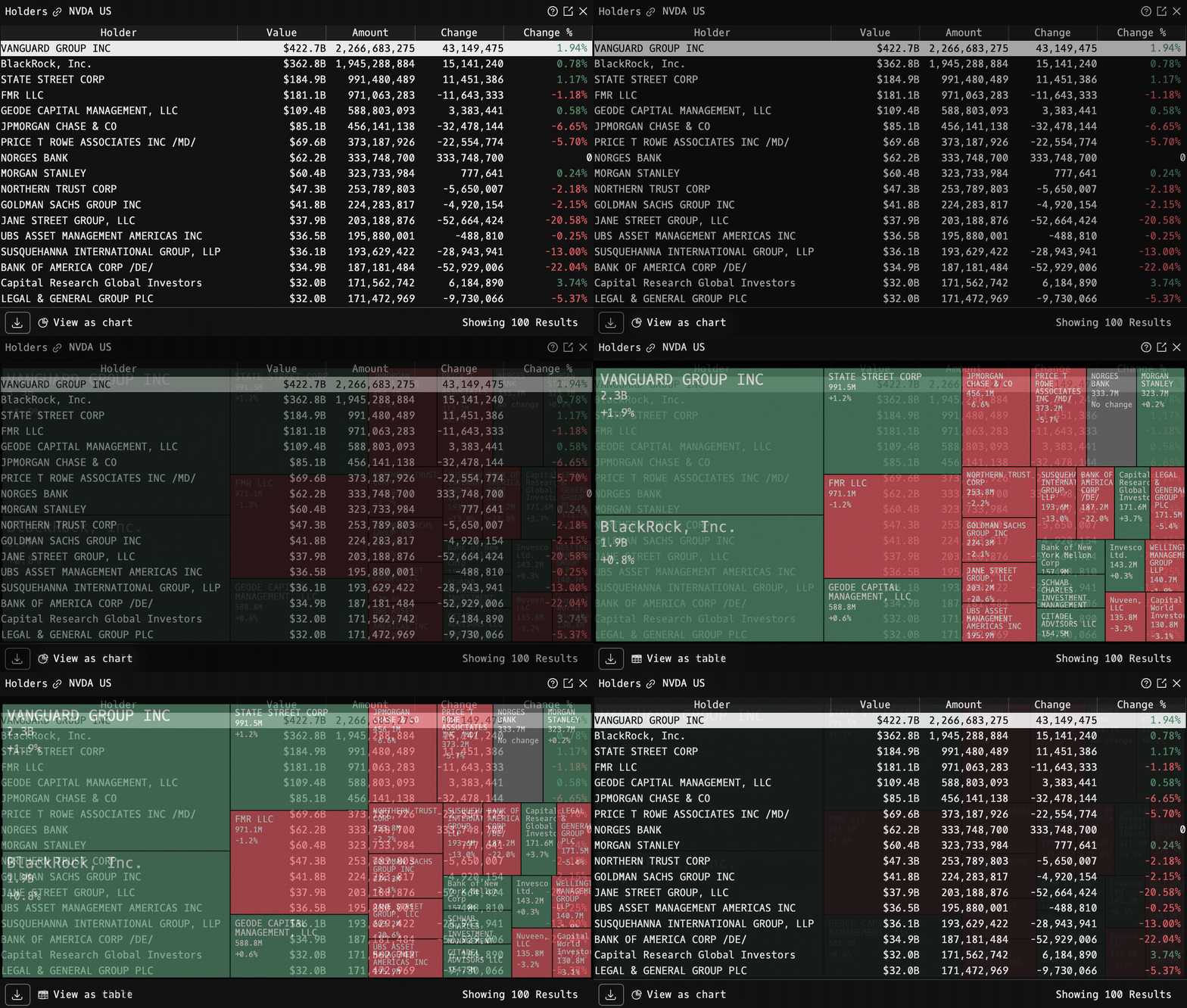
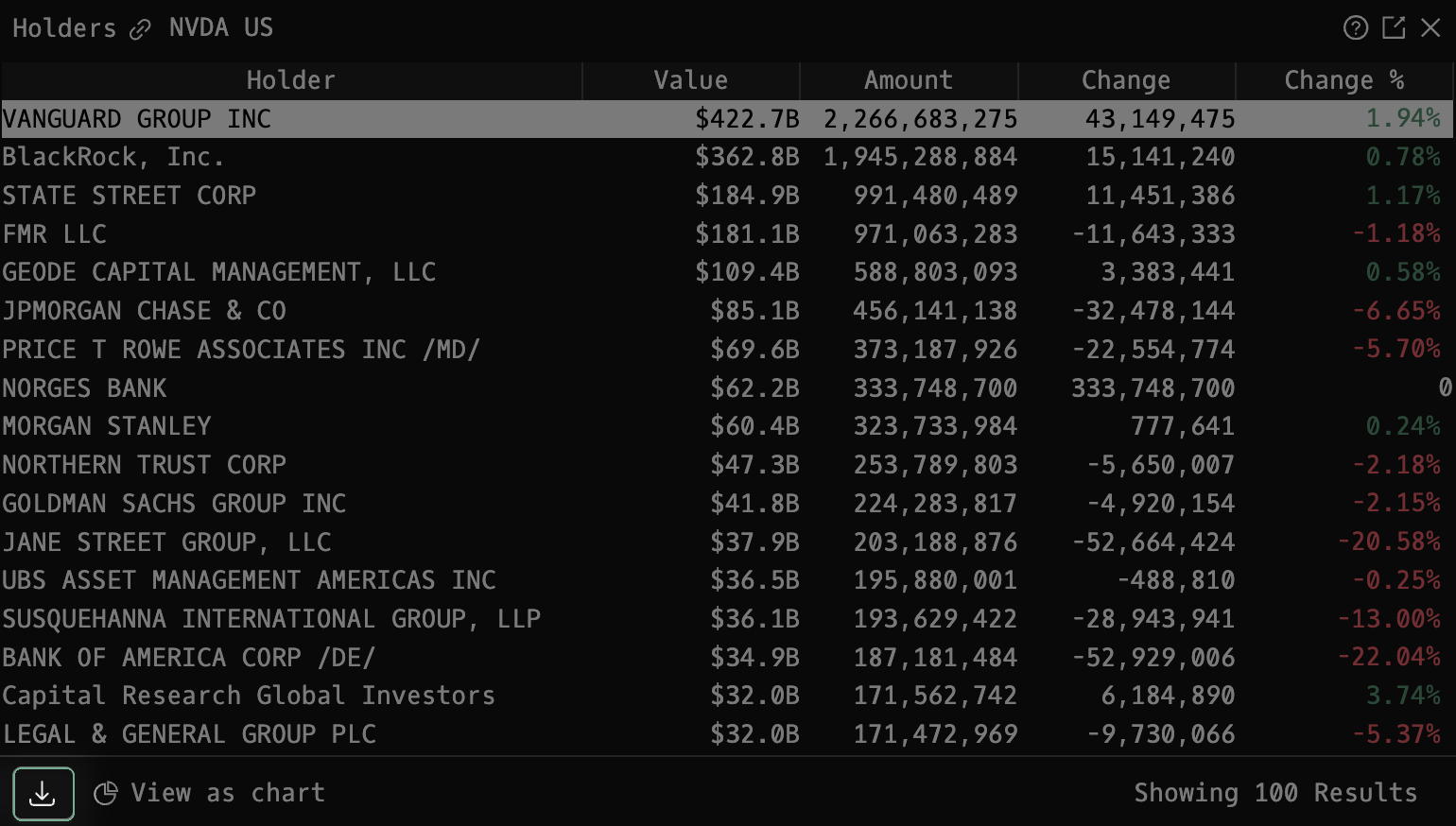
You can also download the holder table directly from HDS using the download button.
FAQ
What does HDS do?
HDS is the Godel Terminal holders command.
How do I open HDS in Godel Terminal?
Type HDS in the terminal, or prefix with a ticker (for example, NVDA US EQ HDS).
Is HDS available on all plans?
Yes, HDS is available on every Godel plan.
Does HDS work for ETFs, indices, or non-US securities?
HDS is built around individual equities. ETFs and indices do not carry this data, so it is stock-focused; non-US companies appear where the underlying data is available.