ANR: Analyst Ratings Command
ANR is the Godel Terminal command for viewing analyst ratings, consensus price targets, and recommendations on any publicly traded company.
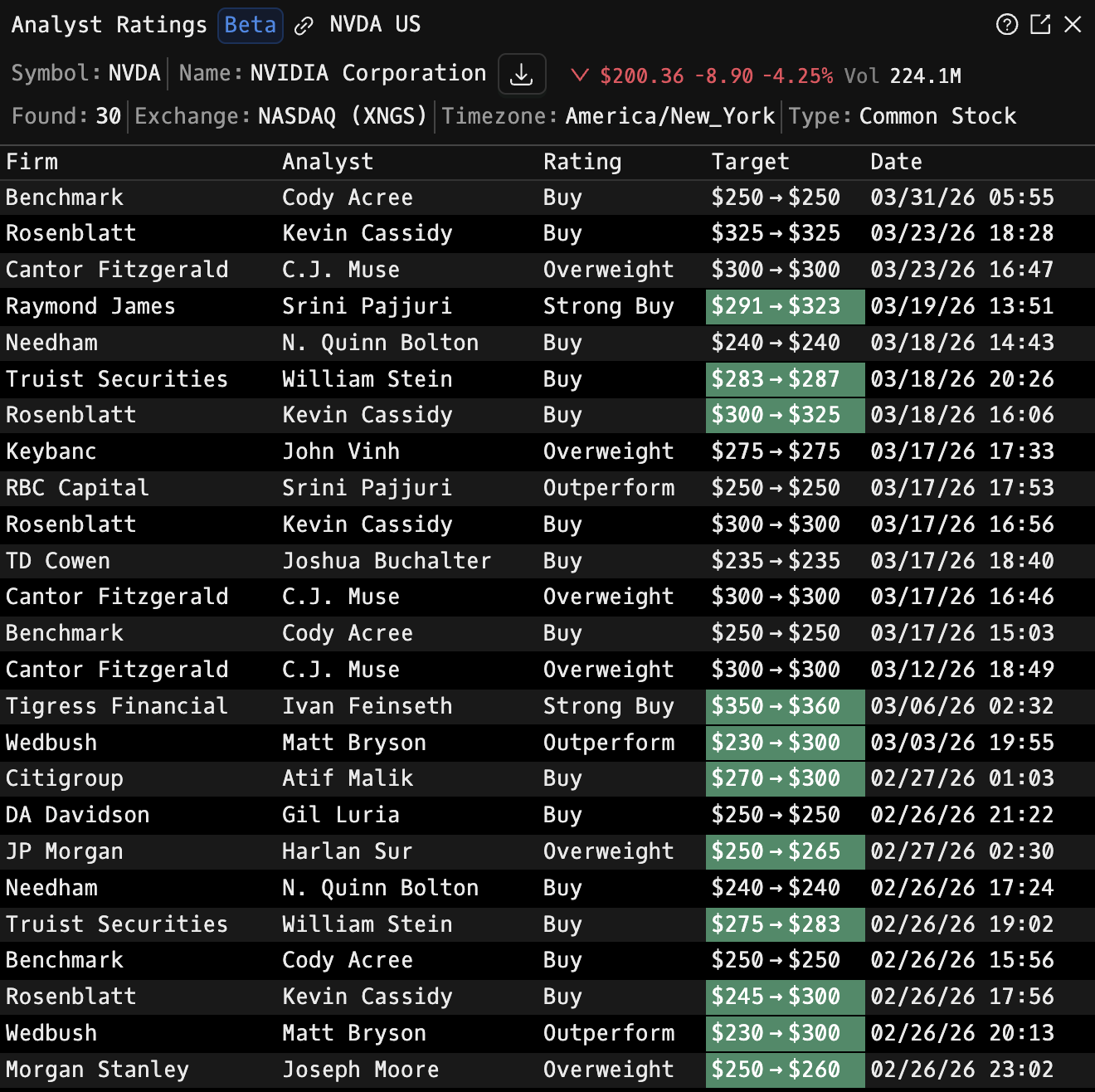
How to use ANR
Security Identifier/Ticker Country/Instrument Asset Class ANR
Example: NVDA US EQ ANR - displays the latest analyst ratings for Nvidia.

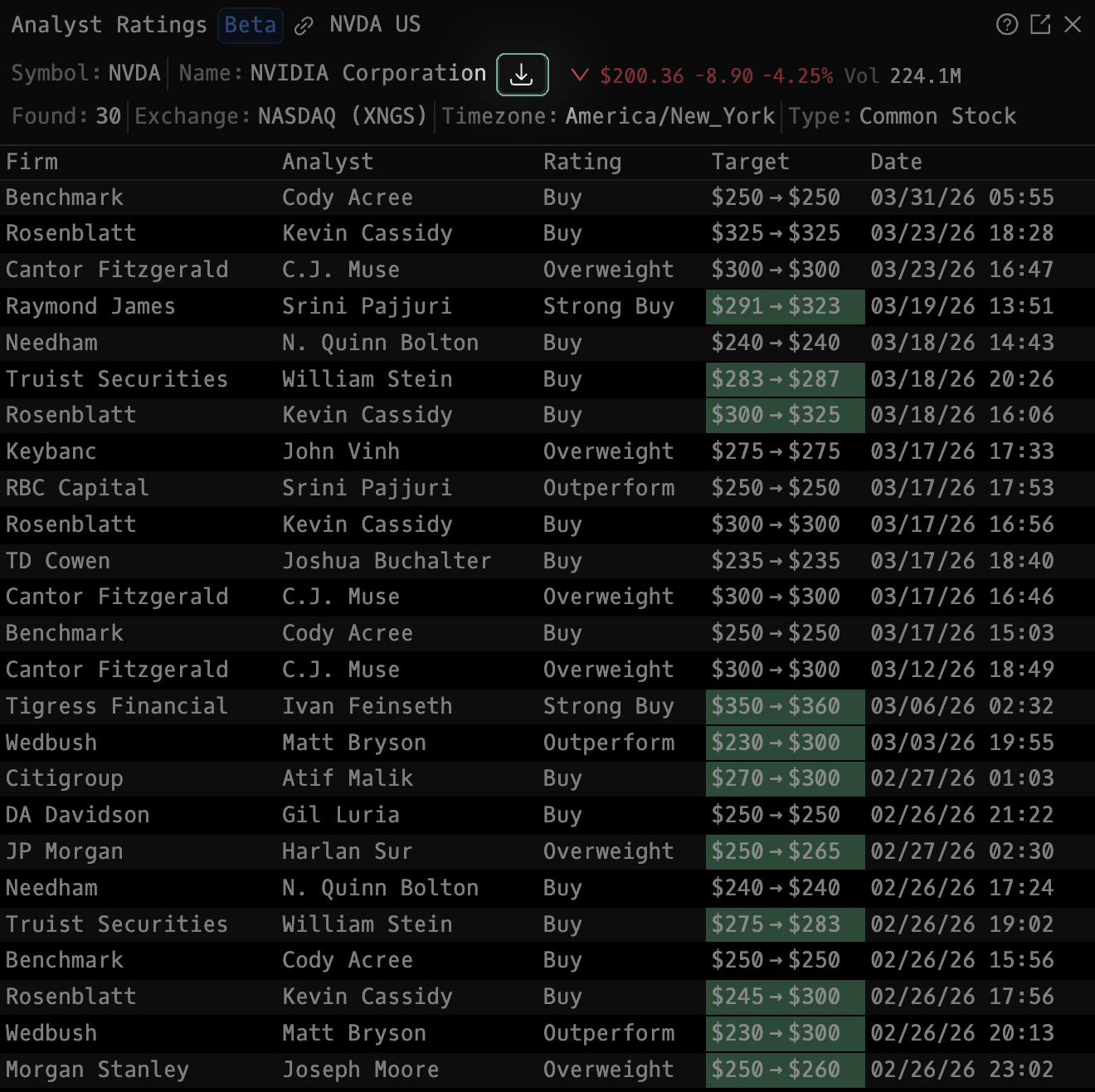
You can export the analyst ratings table by clicking the download icon seen below:
Columns
| Column | Description |
|---|---|
| Firm | Research provider or investment bank issuing the rating |
| Analyst | Lead analyst responsible for the coverage |
| Rating | Recommendation assigned (e.g., Buy, Hold, Sell, Overweight, Neutral) |
| Target | Analyst’s price target or target range (e.g., $240 → $298) |
| Date | Date and time the rating or target was last published |
The most recent entries are displayed at the top by default.
Color Coding
| Color | Meaning |
|---|---|
| 🟩 Green Highlight | Indicates a rating upgrade or increased price target |
| 🟥 Red Highlight | Indicates a rating downgrade or lowered price target |
| ⚫ Gray / Neutral | No change in rating or target range |
FAQ
What does ANR do?
ANR is the Godel Terminal analyst ratings command.
How do I open ANR in Godel Terminal?
Type ANR in the terminal, or prefix with a ticker (for example, NVDA US EQ ANR).
Is ANR available on all plans?
Yes, ANR is available on every Godel plan.
Does ANR work for ETFs, indices, or non-US securities?
ANR is built around individual equities. ETFs and indices do not carry this data, so it is stock-focused; non-US companies appear where the underlying data is available.