TRAN: Earnings Hub Command
TRAN is the Godel Terminal command for searching earnings calls: full-text search across firms, quarters, and years with direct-link citations.
How to use TRAN
Global view:
TRAN: lists every recent transcript across all covered companies.

Company view:
Security Identifier/Ticker Country/Instrument Asset Class TRAN
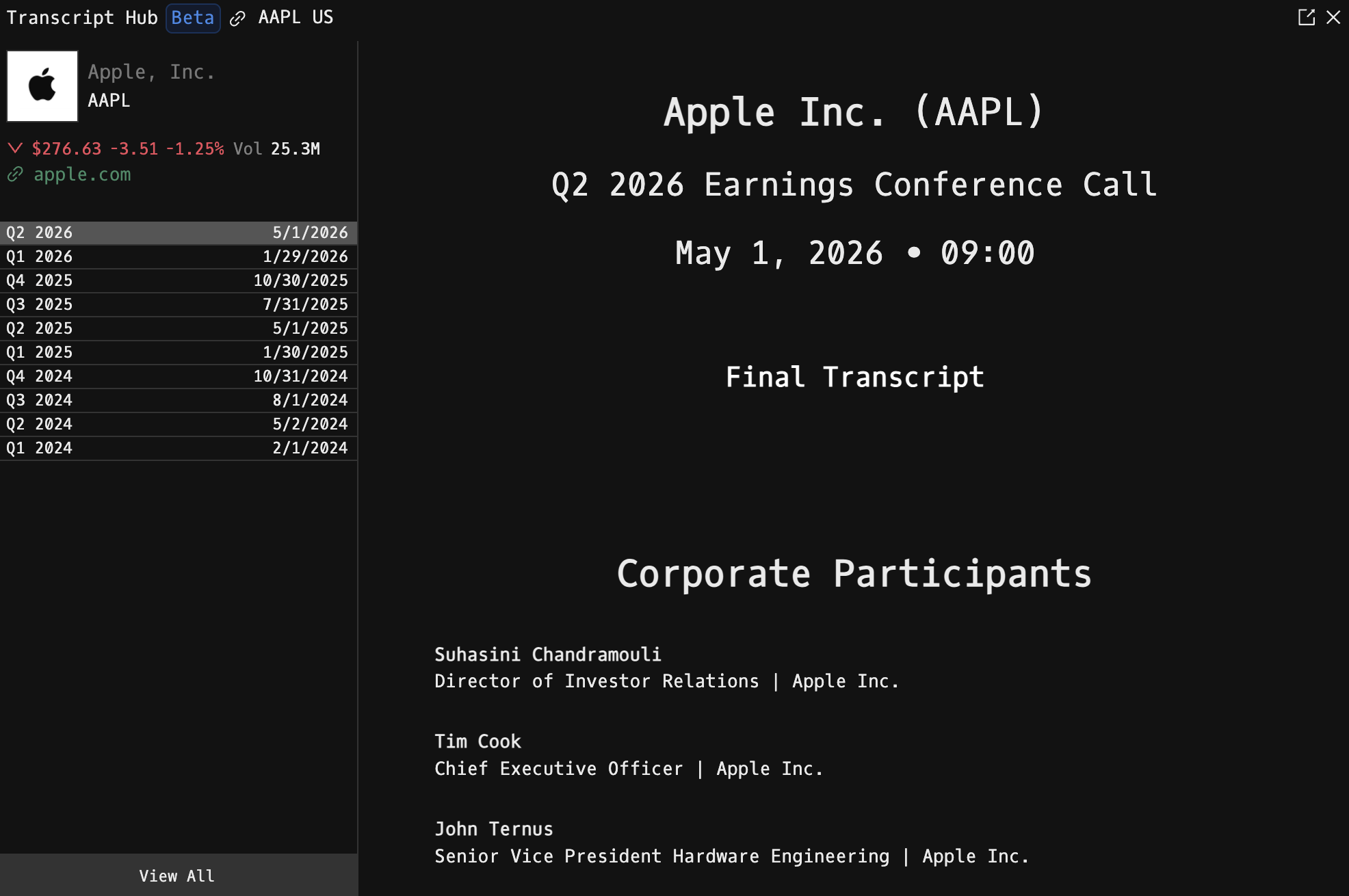
Example: AAPL US EQ TRAN: Apple's earnings calls, with the most recent opened by default.

Layout
- Transcript index (left side): chronological list of available transcripts. Each entry shows the title and publication date.
- Reader pane: the full text of the selected transcript, rendered with styled paragraphs for speaker turns, Q&A, and disclaimers.
When the command is opened on a specific ticker, a company header is also shown above the reader:
- Company logo
- Full company name
- Ticker symbol
- Live QuickQuote price
- Website link (opens in a new tab)
Navigation
- Click any row in the index to load that transcript.
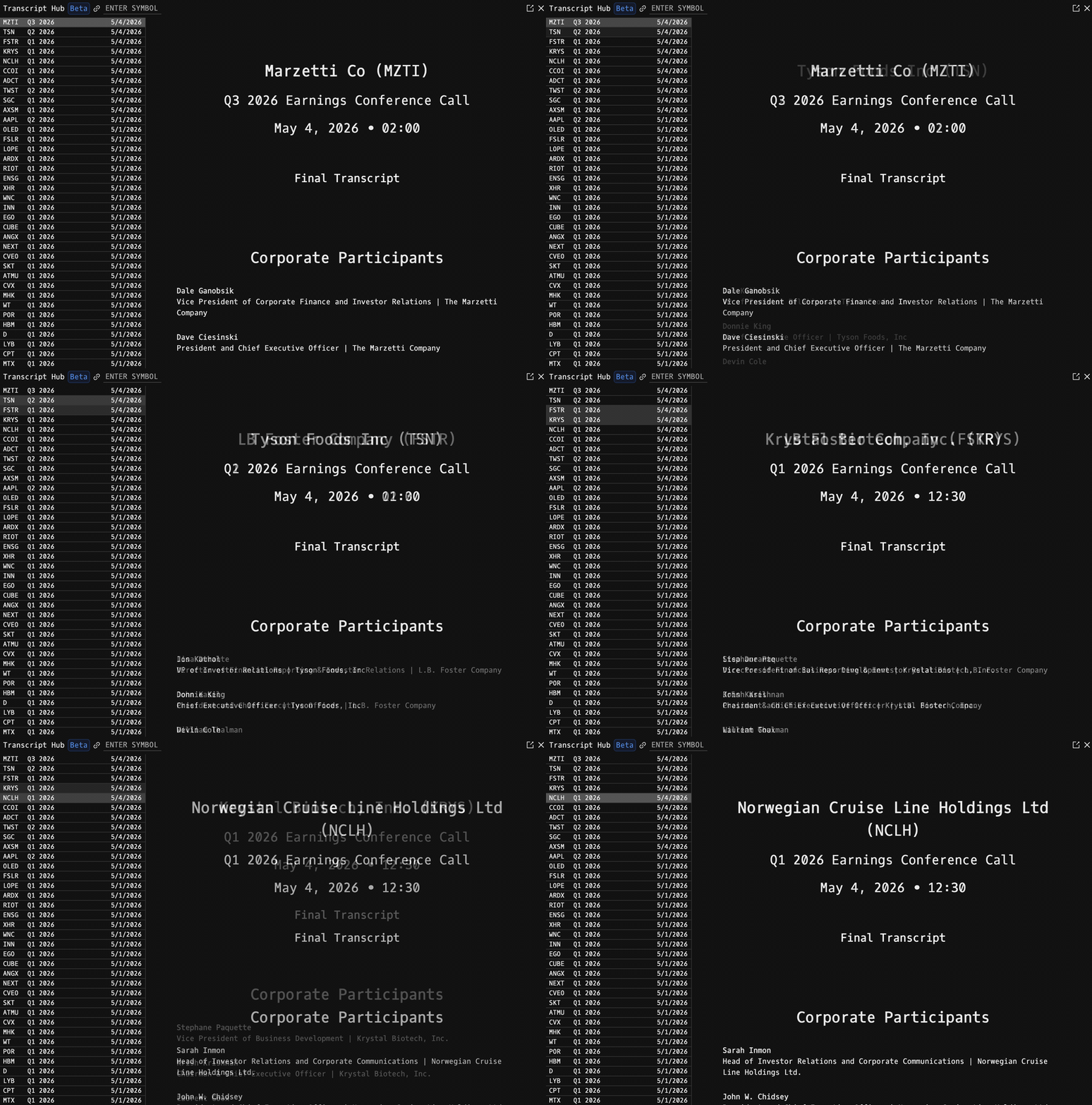
- Scroll to the bottom of the index to pull in older transcripts: the list paginates in chunks of 200.
- Loading indicators appear on both the index (when paging) and the reader (when switching transcripts).
Notes
- Transcripts are sourced from the same news feed that powers N (category: Transcripts).
- Large pages may take a moment to render on first load.
FAQ
What does TRAN do?
TRAN is the Godel Terminal earnings hub command.
How do I open TRAN in Godel Terminal?
Type TRAN in the terminal, or prefix with a ticker (for example, NVDA US EQ TRAN).
Is TRAN available on all plans?
Yes, TRAN is available on every Godel plan.
Does TRAN work for ETFs, indices, or non-US securities?
TRAN is built around individual equities. ETFs and indices do not carry this data, so it is stock-focused; non-US companies appear where the underlying data is available.